
See every change before it ships, and filter logs by facet
Release 18 Sep 24 to 30
Changing a variable, a port and a health check used to mean three rollouts. Now your edits wait as staged changes until you review them and ship the lot at once. Logs also got facet filters and a copy button for a single line.
Edit across tabs, then ship it as one reviewed change
Change what you like on any tab. Nothing goes out until you read the full set of staged changes and press deploy.
Filter logs by facet and copy a single line
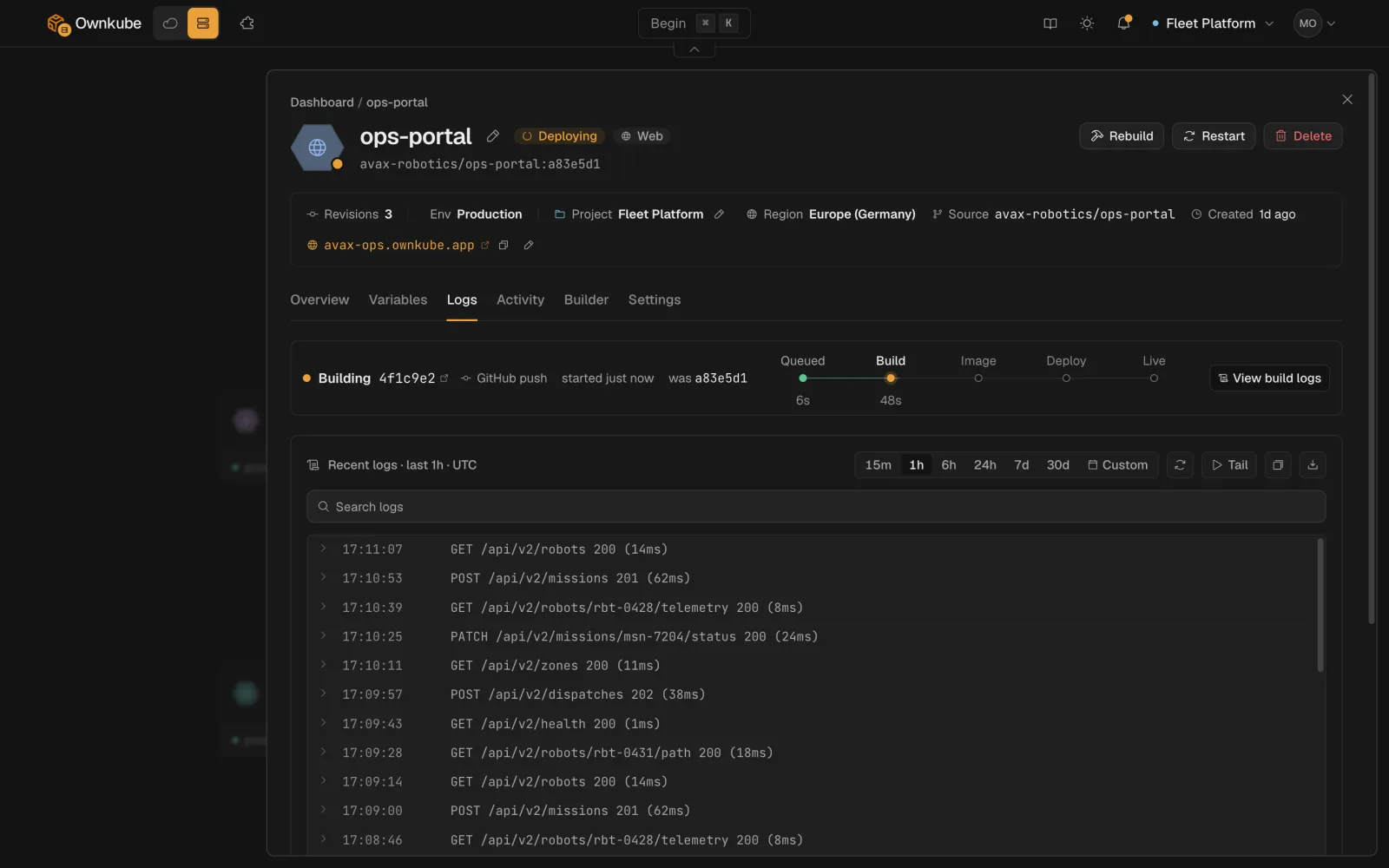
Narrow logs by facet, then copy exactly the line you need. Internal IPs are redacted before you see them.
Logs docsMore in this release
- Your coding agent can restart apps and read usage. Deployment actions, telemetry and usage are now available over MCP.
- New apps land in the project you are looking at. Deploying from the command palette or a template files the app in the project you have selected. A new project starts with one Development environment.
- An unclosed quote in .env no longer eats the rest. An unclosed quote in a pasted `.env` file used to swallow every variable after it into one value. It doesn't any more.
- A missing image no longer freezes the tab. Entering an image Ownkube can't find shows the error and waits for your next edit. Once the image checks out, you press Continue.
- The command palette gets out of your way. Deploying from the command palette closes it at once. If the create fails, it reopens on the step to fix with your inputs kept.
- Code editors load only when you open one. The dashboard downloads noticeably less code up front, and the code editors arrive the first time you open one.