
Connect to your database from your laptop or CI
Release 03 Jun 3 to 9
Sometimes you just want to open the database in a GUI client, or point a CI runner at it. Flip one switch and a managed database takes connections from outside, over its own TLS. Leave it off and the database stays private, as it always was.
Open your database from your own laptop
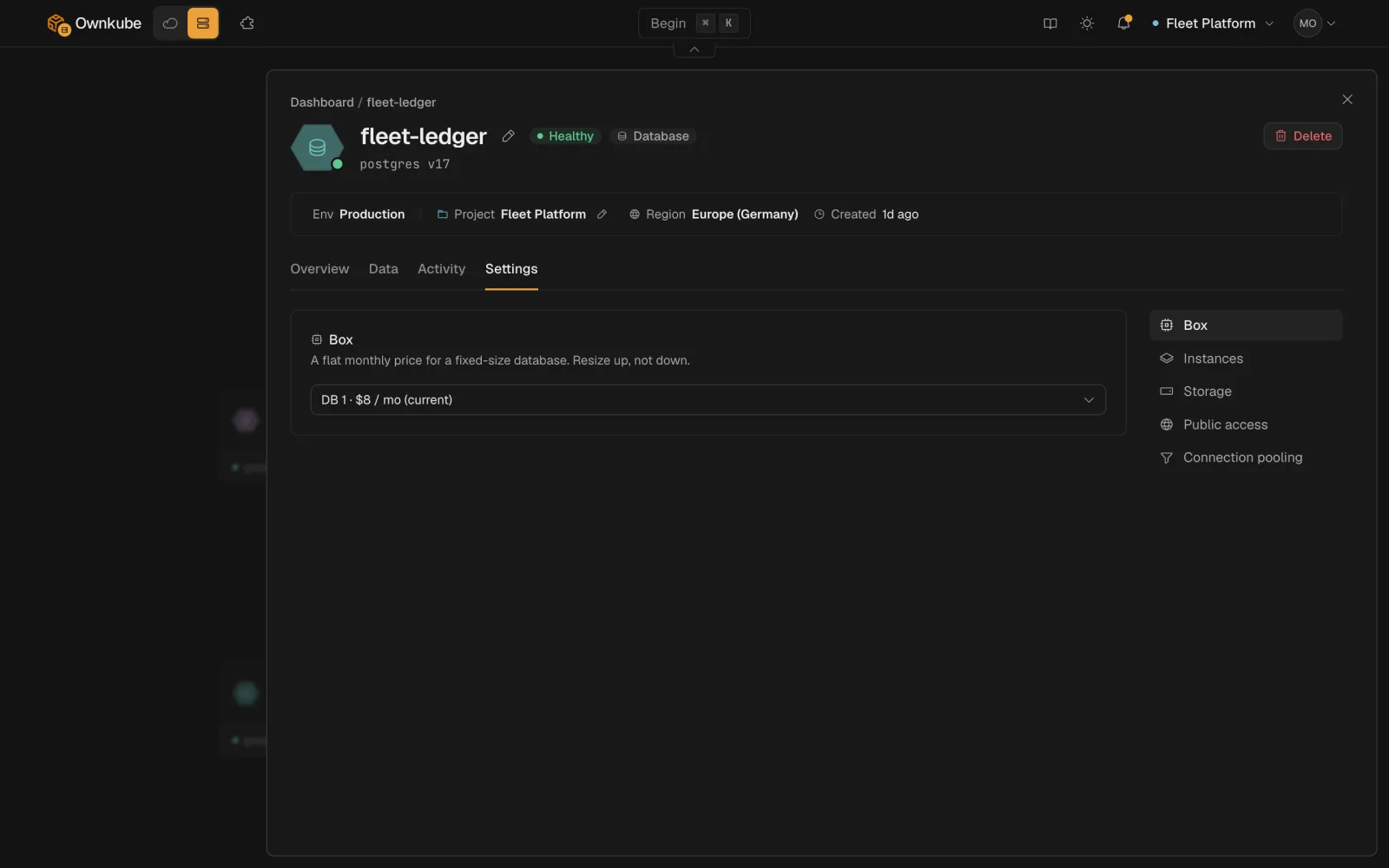
Public access is opt-in. Switch it on and the database gets a public hostname with its own TLS certificate; until then it stays private.
Turn on Public access on the database's Settings tab. Ownkube allocates a stable public hostname, issues a dedicated TLS certificate for it and routes traffic over an encrypted connection. Your apps should keep using the private address.
Public access docs