
Deploy from every GitHub account and org you use
Release 04 Jun 10 to 16
Your side project lives on your personal GitHub and the client work lives in their org. Connect both to one Ownkube organization and each app builds from the right one. App, database and cluster pages also got a new layout, and signing in is down to a single screen.
Your personal repos and the company org, side by side
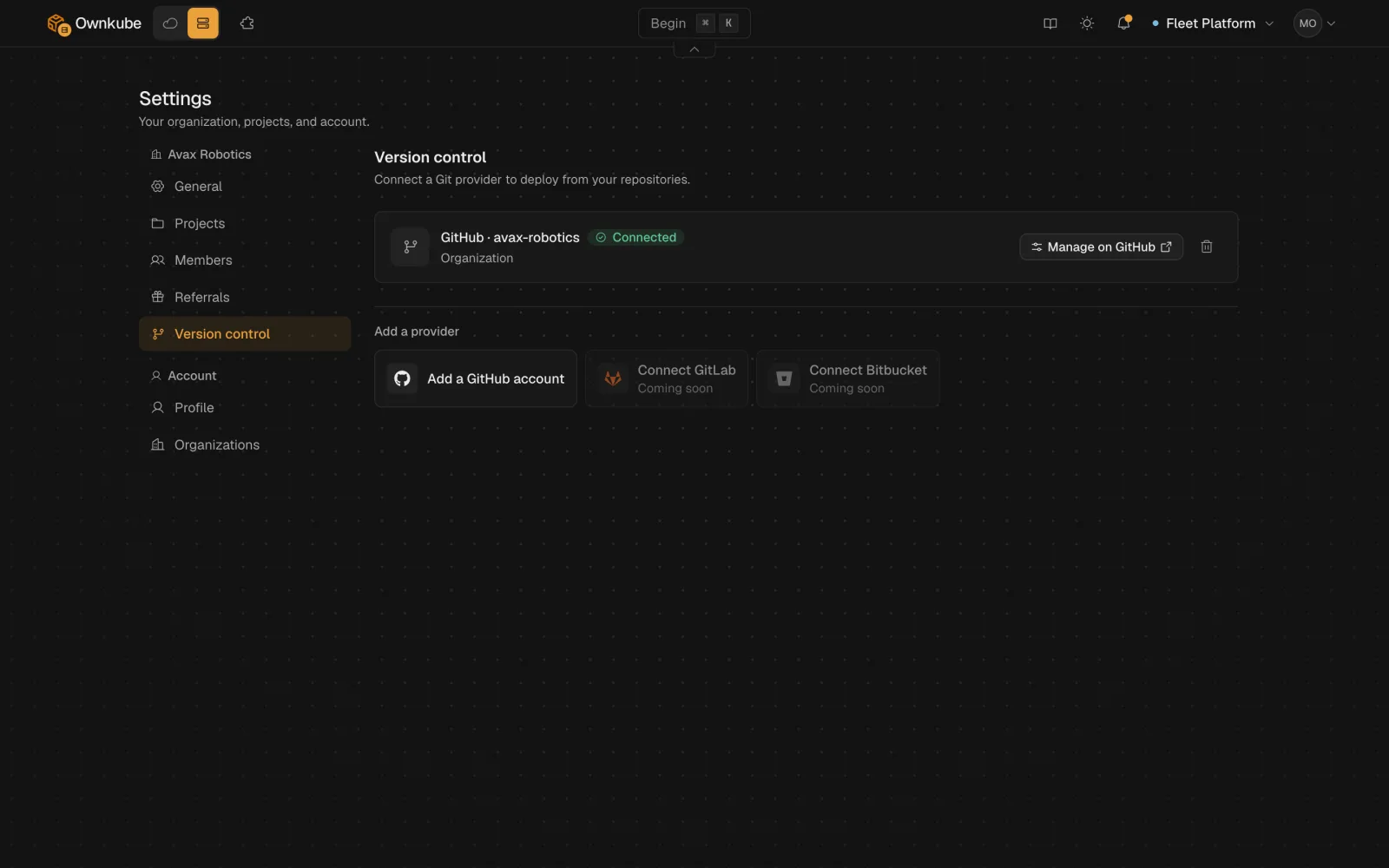
Connect several GitHub accounts or organizations to one Ownkube organization. Each app remembers which one it deploys from.
Status up top, details down the side
Apps, databases and clusters now share one layout: a slim header with the status, a live telemetry strip, and a side rail with the details, including when it last deployed.
One door, whether you are new or coming back
Sign in and sign up are now one "Continue to Ownkube" screen. Google and GitHub open in a popup, and if you have signed in before it greets you with "Continue as" and your name.
More in this release
- The tab you never close stays current. A tab left open through a release offers to update, and one you come back to after a few minutes reloads onto the new version by itself.
- Alt-tab back without the avatar flicker. Switching back to the dashboard no longer flashes a loading placeholder where your avatar sits in the top bar.
- Free cluster memory, in GiB you can plan with. The cluster memory card now shows total free memory across all nodes in GiB, instead of a percentage per node.