
Valkey caches, .env import and branch deploys
Release 06 Aug 6 to 12
Managed Valkey caches are here. You can also paste a whole .env file into an app's variables and choose which branch it deploys from.
Managed Valkey caches
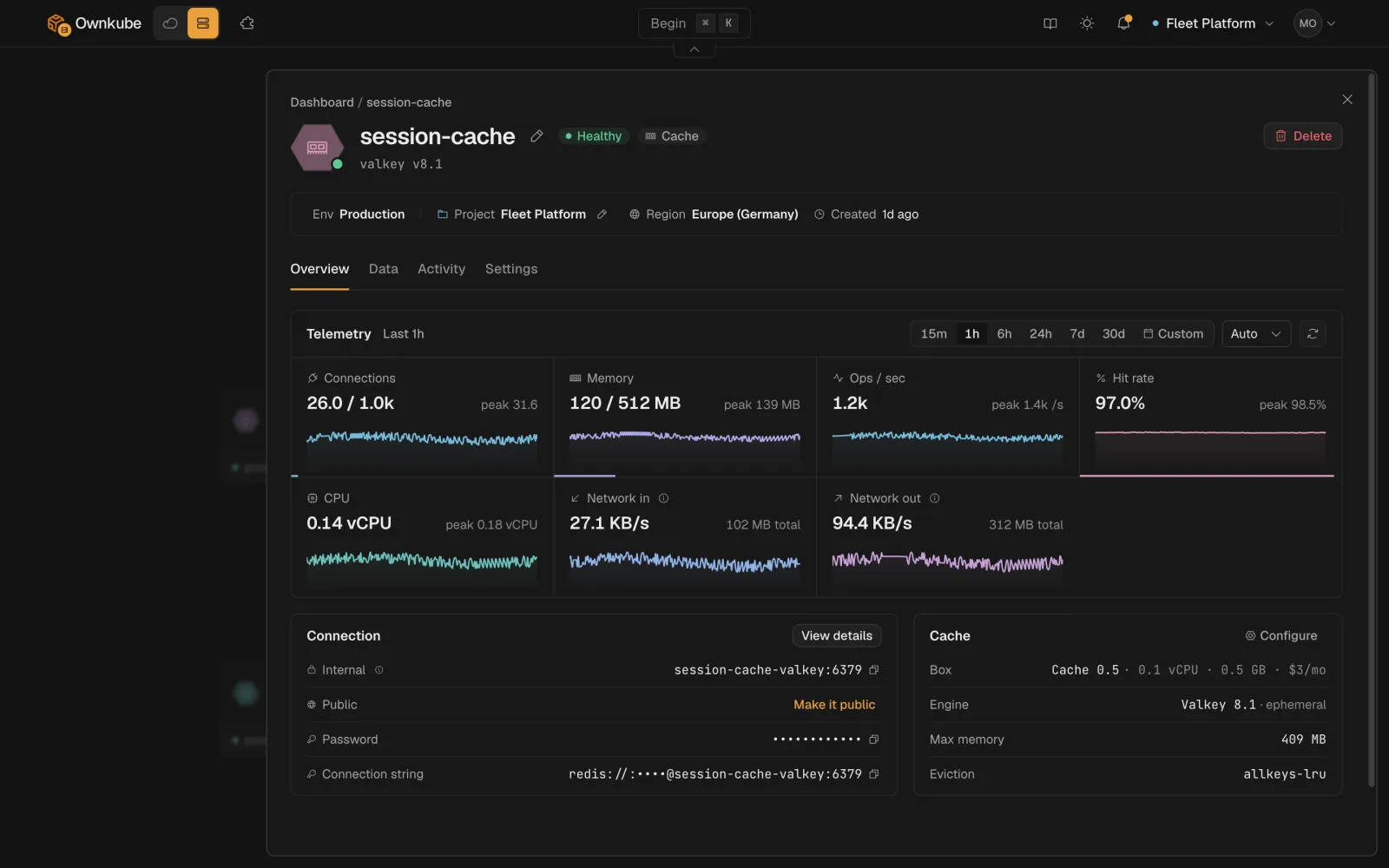
A Redis-compatible cache next to your apps, with the connection details ready to copy.
Any Redis client connects to it unchanged. Its Overview tab shows connections, memory, operations per second and hit rate.
Valkey docsPaste a whole .env file
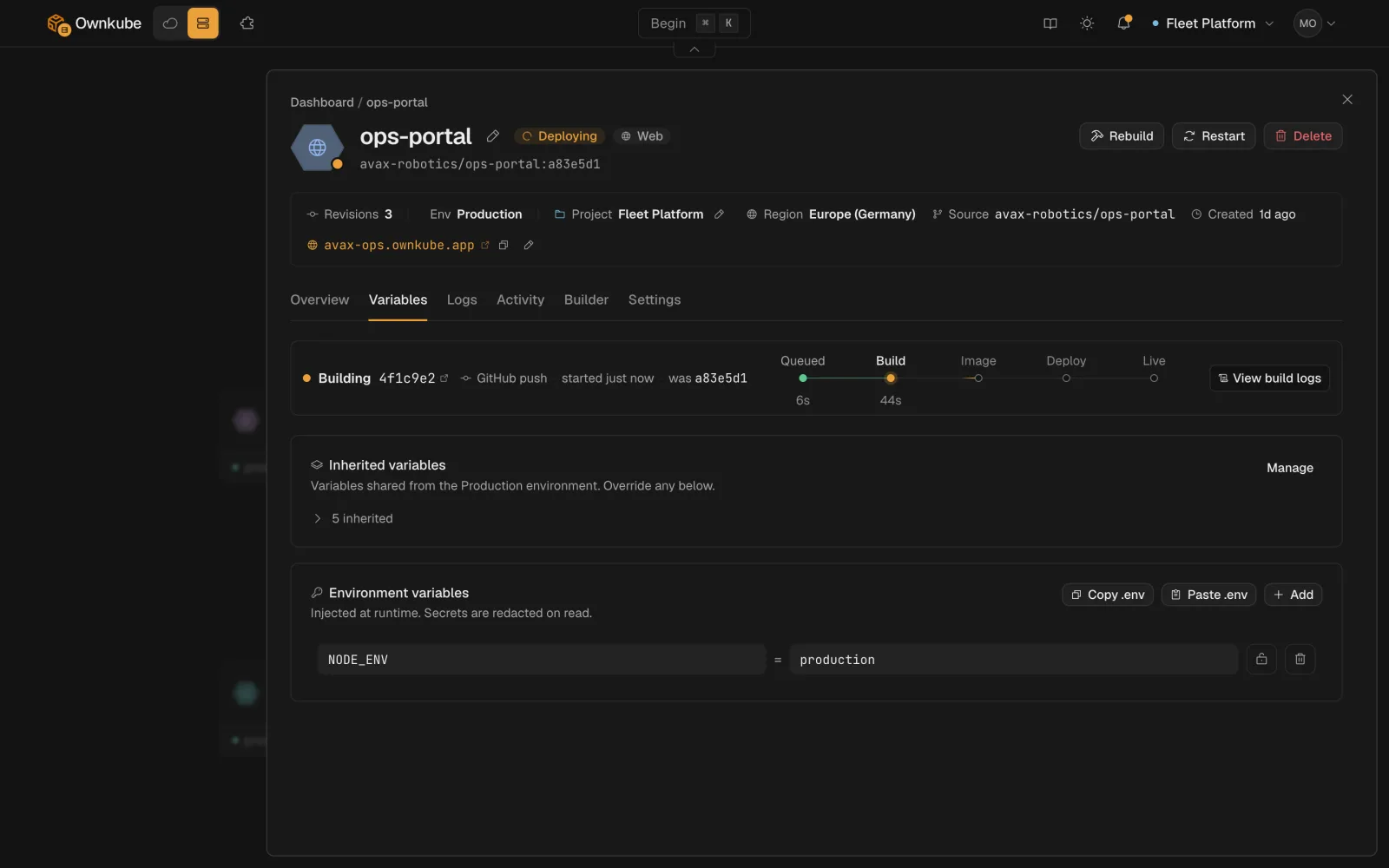
Add every variable from a .env file in one step, in the deploy flow or on an app's Variables tab.
Use Paste .env on the Variables tab, or add KEY=value pairs one at a time. Either way the .env file stays out of your repo.
Deploy from any branch
Pick the branch in the deploy flow, so you can ship a feature branch without moving your default one. Every push to it builds and deploys.
Create a deploymentMore in this release
- Variables from your .env.example. When a repo ships a `.env.example`, the deploy flow offers its keys, ready for you to fill in the values.