
Invite your whole team at once, and live metrics on hover
Release 07 Jul 2 to 8
Inviting teammates is now one dialog that takes a comma-separated list of email addresses. The dashboard canvas shows live CPU, memory and request charts when you hover a deployment, and a rollout you start with a git push appears everywhere without a refresh.
Five addresses, one invite
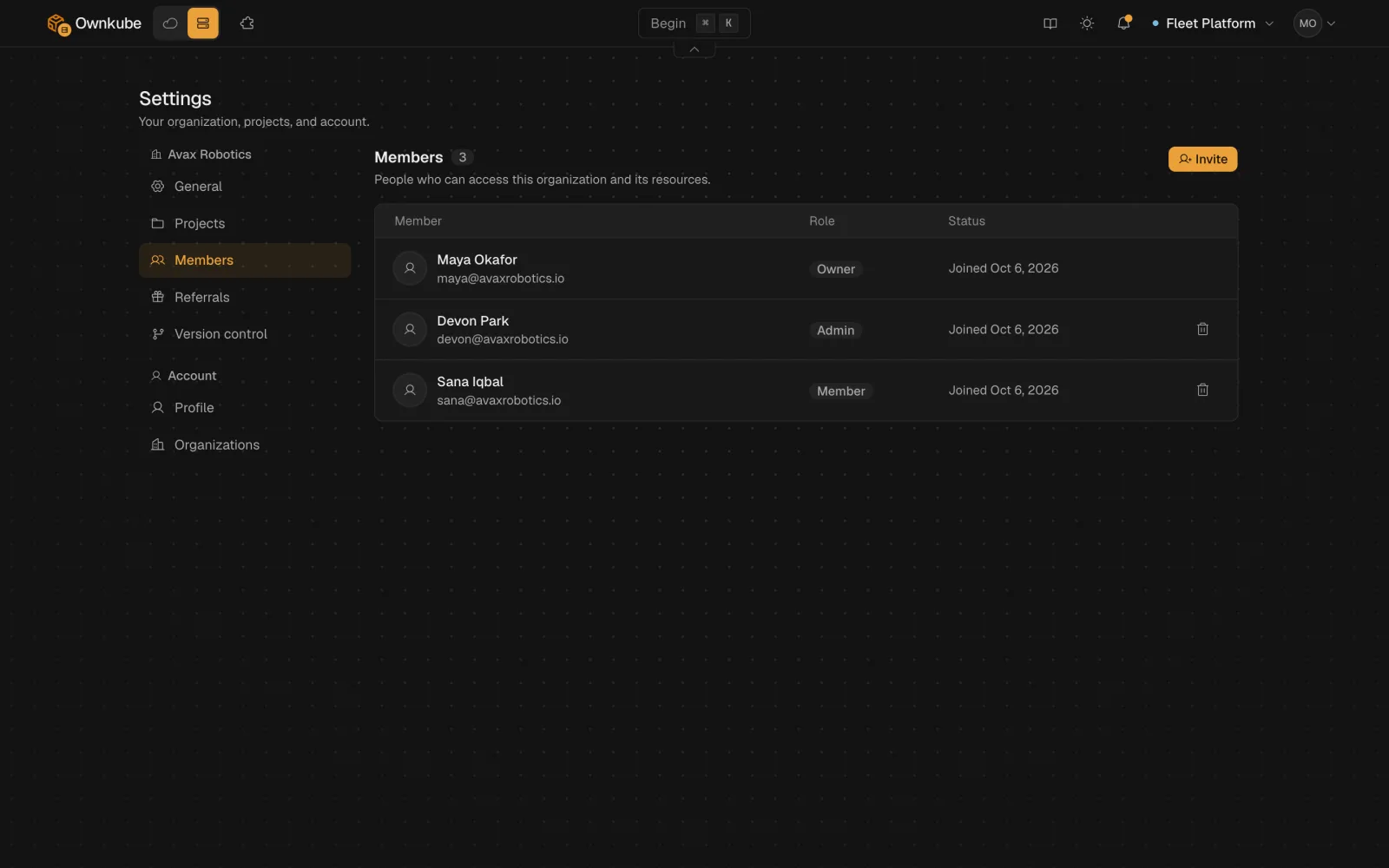
The invite dialog takes multiple email addresses separated by commas, so a whole team arrives in one go.
Open Settings, go to Members and enter one or more email addresses, separated by commas. On Team, pick a role. Click Send invitation and the invites appear under Pending invites until they are accepted.
Organizations docsHover an app, see it breathe
Hover a deployment on the home canvas for live CPU, memory and request charts. The line from the Internet node to a public app animates while it is healthy and turns red when it is degraded.
git push, and the rollout appears on its own
A rollout started by a git push shows up on the dashboard grid without a refresh, and the canvas, peek card and deployment page agree on whether a deployment is rolling out. In-flight nodes glow, and the stage timer ticks every second.
More in this release
- A Dockerfile in a subfolder is found. The deploy flow picks up a Dockerfile that lives in a subfolder and builds from that folder. It also no longer flashes port 80 while it detects the real port.
- A 3, 2, 1 before the tab reloads. When a new version of the dashboard is out, a centered banner counts down before the tab reloads. It waits for your next page change, so a form you are editing is not lost.
- Settings tabs switch without a flash. Settings tabs no longer show a loading flash, and more of the dashboard is prefetched when you hover it.
- Deleting a cluster shows at once. A cluster you delete shows its deleting status right away instead of waiting for a refresh.
- Send the AWS setup link to whoever holds the keys. Next to each Open CloudFormation button there is a Copy link button, so you can hand the setup link to whoever administers your AWS account.
- The public address stays put on redeploy. A deployment's public address no longer slips back to "Provisioning hostname" during an unrelated redeploy.