
Projects, and deploys from your terminal
Release 10 Sep 3 to 9
Projects keep each app's services together, and okctl up ships a folder straight from your terminal.
Group apps into projects
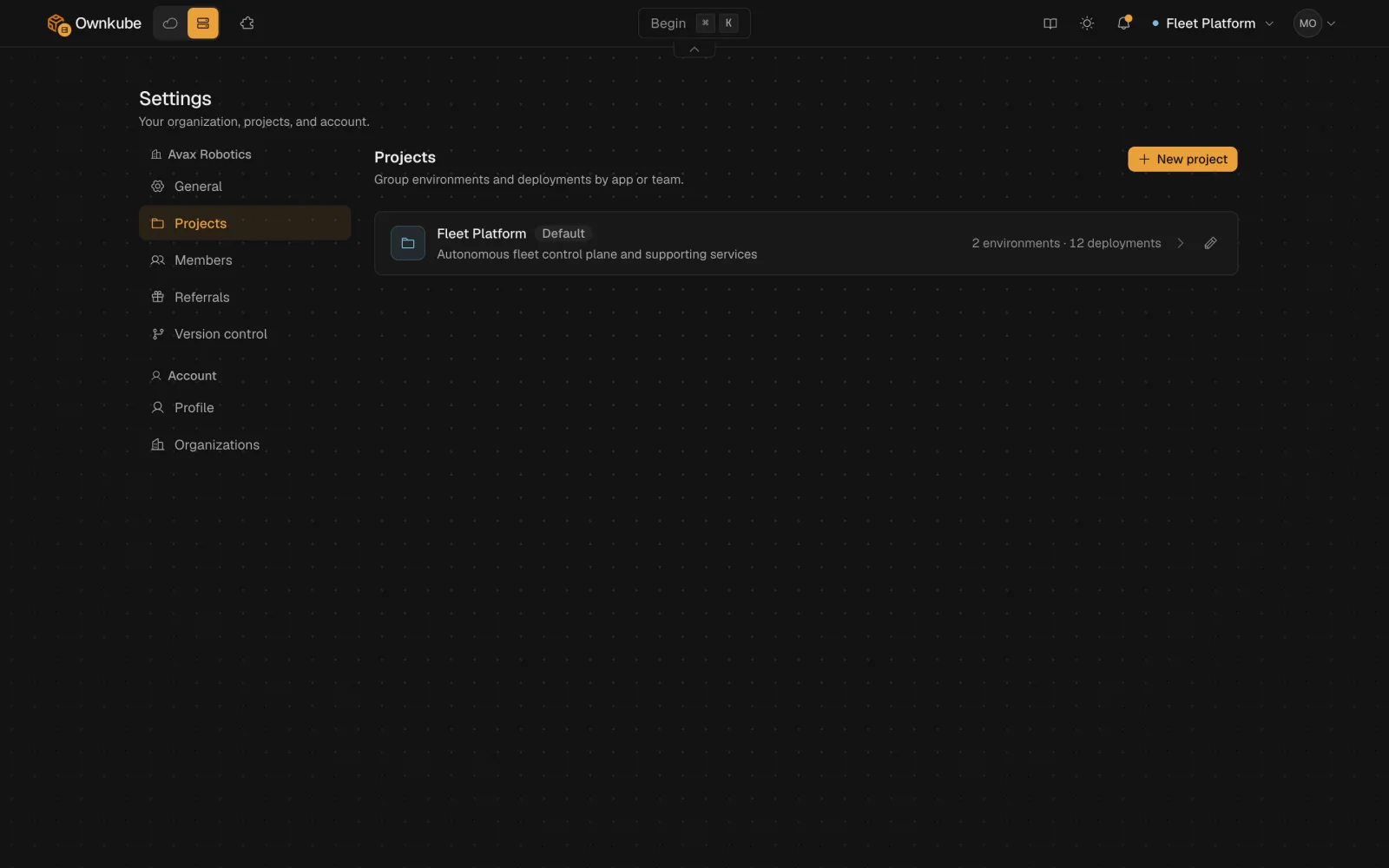
Organize environments and apps by project, and move an app without a redeploy.
Every organization starts with a default project, and the project menu at the top of the dashboard switches between them. To move an app, open its Settings tab and pick Move to project under Advanced settings. It keeps its hostname, variables, environment and revision history.
Projects docsDeploy a local folder with okctl up
Build and deploy your working tree from the terminal, then follow the logs.
It uploads your working tree, uncommitted changes included and files in .gitignore left out, then builds it and follows the rollout until the app is live. In a folder that isn't linked yet, it creates a new web app and links the folder, so the next okctl up redeploys it.
$ okctl up CLI docs