
Projects
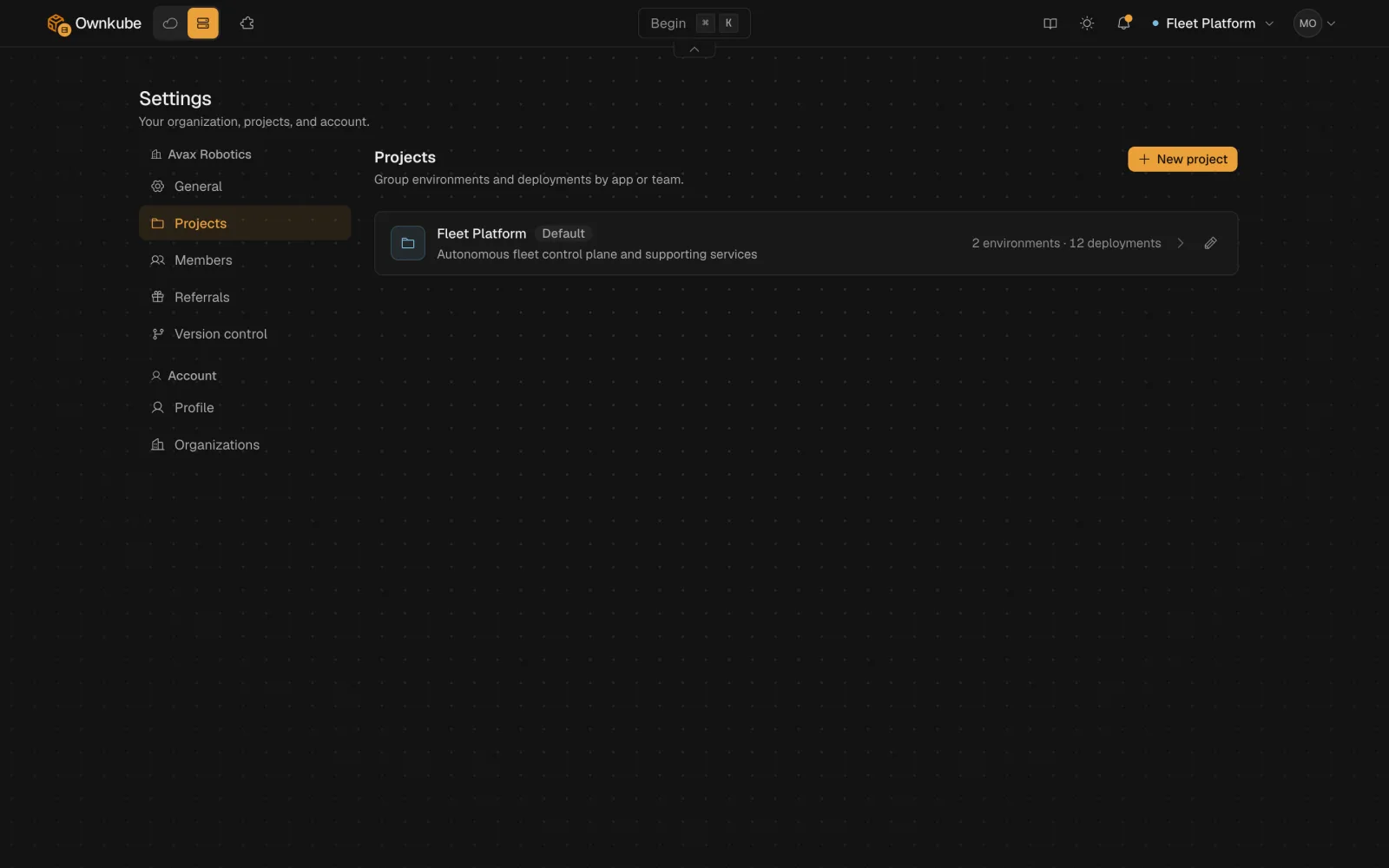
A project is a folder for one app or one team: its environments, its deployments and its datastores, together in the dashboard. Every organization starts with a default project, and the project menu at the top of the dashboard switches between them so you can jump between apps without scrolling past each other’s services.
How projects fit
Section titled “How projects fit”Organization Project (marketing) Environment (production) web, worker, postgres Environment (staging) web, postgres Project (api) Environment (production) api, valkeyEnvironments belong to a project, deployments belong to an environment. Shared variables, promotion and the private network all work within an environment; see Environments. A deployment’s project shows in the project menu and on its Overview tab.
Create a project
Section titled “Create a project”-
Open Settings and go to Projects.
-
Click New project. Give it a name (for example
Marketing site), a slug (marketing) and an optional description and colour. -
Click Create project. It appears in the project menu at the top of the dashboard, ready for environments and deployments.
Edit the name, description or colour later from the same card. Remove project deletes an empty project; move or delete its deployments first.
Move a deployment
Section titled “Move a deployment”Open the deployment’s Settings tab, find Move to project under Advanced settings, pick the target project and confirm. The deployment keeps its hostname, variables, environment and revision history; only the folder it is filed under changes.
From the terminal:
okctl deploy move <deployment-id> --project <project-id>To put a copy of a deployment in another environment instead, use okctl deploy copy <deployment-id> --to-environment <environment-id>.
From the terminal
Section titled “From the terminal”okctl projects listokctl projects create --name "Marketing site" --slug marketing --description "Public site and its supporting services" --color blueokctl projects get <project-id>okctl projects update <project-id> --name "Marketing"okctl projects delete <project-id>okctl up --project <id> deploys a new app into a specific project, and okctl deploy create --project <id> is required when creating from a manifest. See the command reference.