
Run SQL in the dashboard, and search logs with a regex
Release 19 Oct 1 to 7
That quick "what is in this table" check no longer needs psql. Every managed database and cache now has a Data tab where you can browse rows or keys and run a statement. Logs gained a search box too, and pressing Enter runs your text as a regex across the whole time window.
Browse rows and run SQL without leaving the dashboard
The Data tab on a Postgres database or Valkey cache lists its tables or keys and has a console for SQL or Valkey commands.
On Postgres you can page through a table's rows, search, filter by column and sort, then run a statement in the SQL console. On Valkey you can browse keys of every type by pattern and run one command at a time.
The console is read-only by default. Owners and admins can turn on Write to commit changes, and every statement is recorded in the datastore's logs. The tab connects over the datastore's public hostname, so Public access needs to be on.
Data console docsgrep your logs
Type to filter the lines in view, or press Enter to run your text as a regular expression on the server across the whole time window.
Add key:value chips such as level:error to narrow the results further.
A light theme, and one that follows your OS
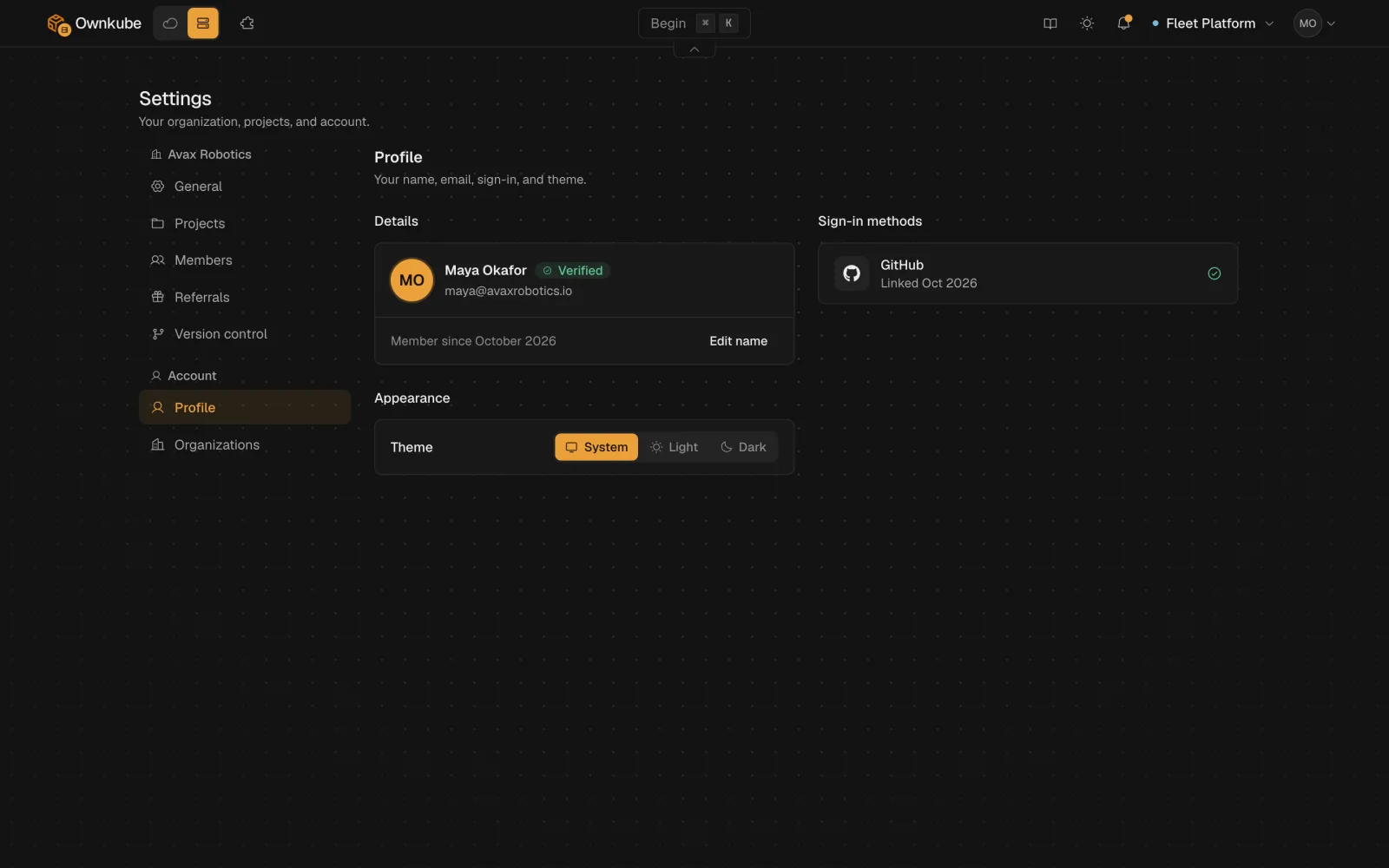
Pick System, Light or Dark under Appearance on your Profile page. System follows your operating system.
More in this release
- Your coding agent can read a connection string. Your coding agent and okctl can read a database's or cache's live host, username, password and connection string.
- Link a database to an app from okctl. `okctl deploy link` injects a datastore's connection into an app. `okctl deploy resync` re-applies settings to recover a stalled rollout, and `okctl boxes list` shows the box sizes.
- No more WRONGPASS from a copied cache URI. Cache URIs now include the `default` user, so `redis-cli`, `valkey-cli` and copied connection strings sign in first time.
- Request rate and p95 latency fill in on Compute. The request rate and p95 latency tiles now show data for apps on Ownkube Compute instead of staying empty.
- Tidier app cards. Cards on the canvas put status on one line and tuck the environment and region into a quiet footer.