
Shell and SSH
Get a shell on a running web app, worker or job container to inspect files, run a one-off script or poke at a problem, from the dashboard or from your terminal over SSH. For a database or cache, okctl connect opens psql or valkey-cli, or a tunnel to a local port.
Shell and SSH are available on Ownkube Compute to organization owners and admins. They are not exposed through the MCP server.
From the dashboard
Section titled “From the dashboard”Open the deployment and choose Shell from the actions menu on the Overview tab. If the deployment has more than one replica, pick the instance. A terminal opens in the browser attached to that container.
From the terminal
Section titled “From the terminal”-
Install and sign in
okctlv0.5.0 or later. See the CLI for install andokctl login. -
Open a shell
Terminal window okctl ssh <deployment-id>The first run generates an SSH key if you have none and adds the public key to your Ownkube account. Omit the deployment id inside a directory you have linked with
okctl link. -
Run one command
Terminal window okctl ssh <deployment-id> -- ls -la /appokctl ssh <deployment-id> -- python manage.py migrate
Use plain ssh, scp and sftp
Section titled “Use plain ssh, scp and sftp”okctl ssh config writes an entry for each of your apps into ~/.ssh/config, so the standard tools work:
okctl ssh configssh ok-my-apiscp ./fixture.json ok-my-api:/tmp/sftp ok-my-apiManage SSH keys
Section titled “Manage SSH keys”Keys live on your user account, not on a deployment, under Settings → Profile → SSH keys in the dashboard.
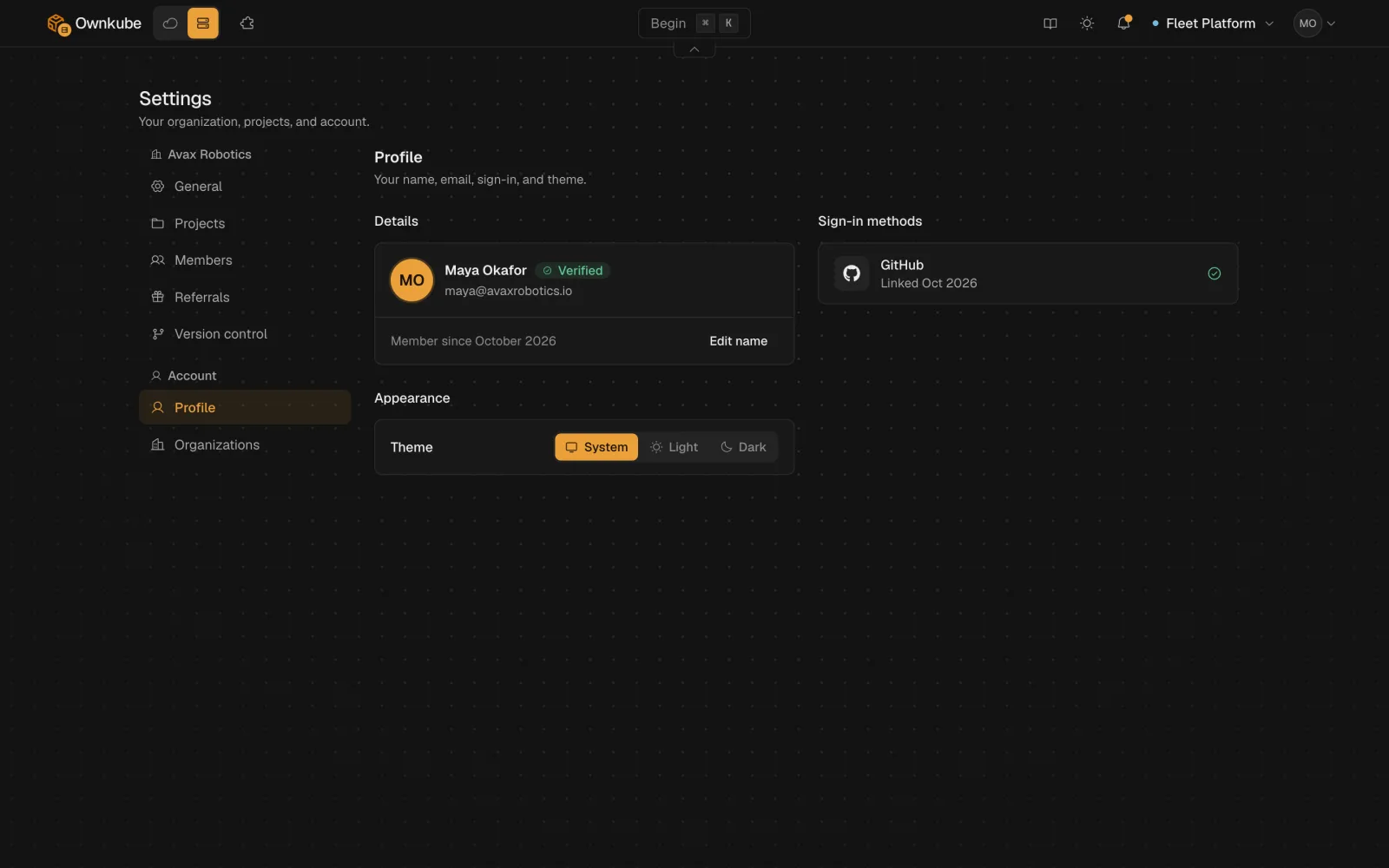
okctl ssh keys listokctl ssh keys add ~/.ssh/id_ed25519.pubokctl ssh keys github <username> # import your public keys from GitHubokctl ssh keys remove <key-id>Connect to a database or cache
Section titled “Connect to a database or cache”okctl connect <database-id>Opens psql against the database with the right credentials. Needs psql on your machine.
okctl connect <cache-id>Opens valkey-cli with TLS and the server name set for you. Needs valkey-cli on your machine.
okctl connect <database-id> --tunnel-onlyForwards a local port to the database or cache without opening a client, for GUI tools and migrations run from your laptop.
okctl connect works over private networking and does not require public access on the database. For a browser-based query console, see the data console.
Things to know
Section titled “Things to know”- A shell runs inside the container with the same user and filesystem as your app. Changes to the filesystem do not survive a restart or a new revision; put them in the image or a variable instead.
- A sleeping app has no container to attach to. Send it a request first, or turn sleep off while you debug.