
Private by default
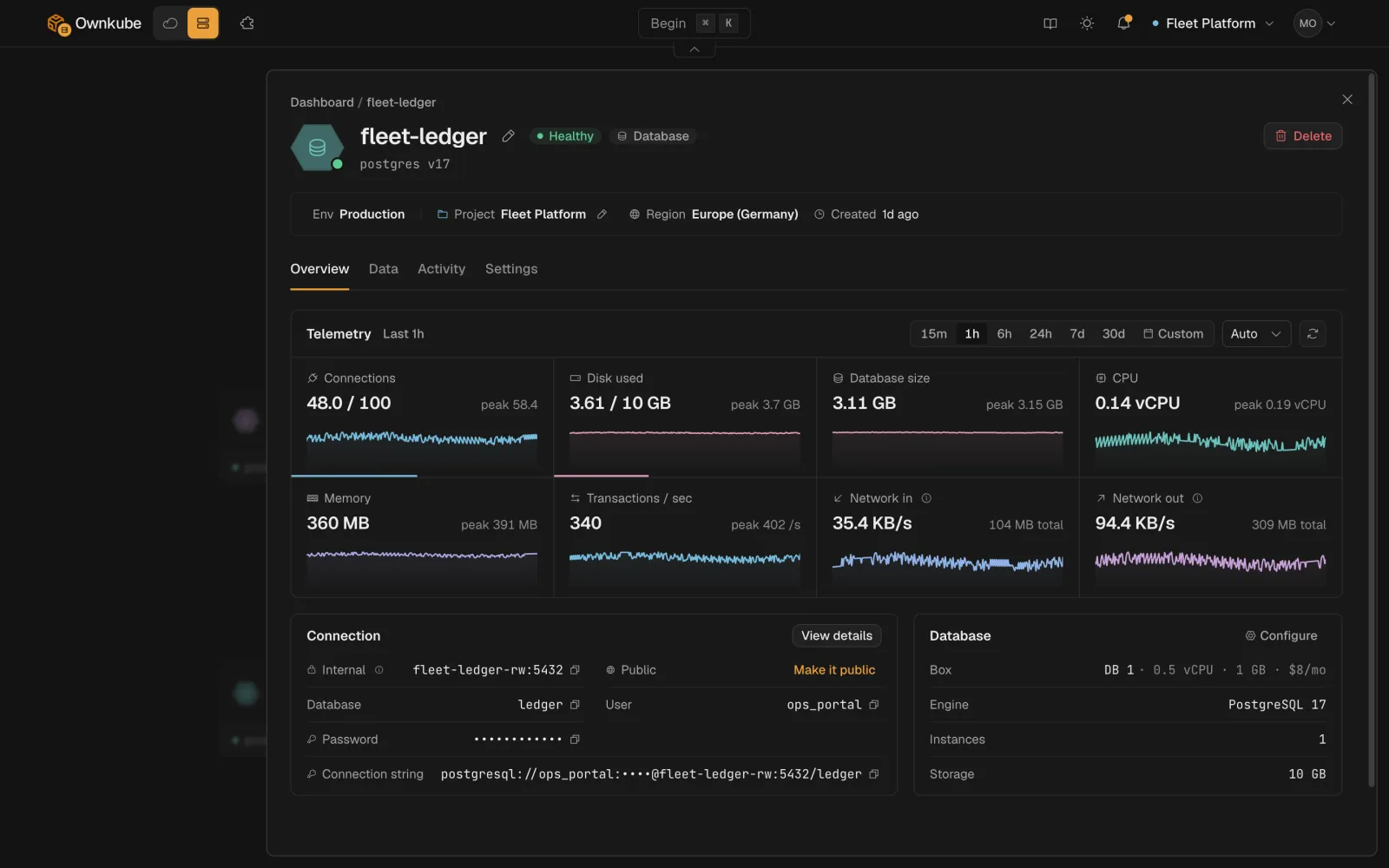
A new database or cache has no public address. Only apps in its environment can reach it. Public access is a per-datastore switch.
Ownkube runs two kinds of managed datastore: Postgres for data you keep, and Valkey (Redis-compatible) for data you cache. Both are deployments like your apps: they live in an environment, show up on the same dashboard, and bill from the same wallet.
| Postgres | Valkey cache | |
|---|---|---|
| Keeps data | Yes, on a persistent volume with optional backups | No, in memory only. A restart is a cold cache |
| Typical use | Application data, users, orders, anything you must not lose | Sessions, rate limits, queues, cached queries |
| Sizes | DB 0.5 to DB 16, plus Dedicated boxes on Team | Cache 0.25 to Cache 4, by memory |
| Billing | Flat monthly box price plus storage at $0.25 per GB per month | Flat monthly box price, no storage |
| While asleep | Storage only | Nothing |
| Clients | Any Postgres driver | Any Redis-compatible client |
Full prices are on Plans and pricing.
okctl deploy link <app-id> <datastore-id>.The address in those variables is a private network address. Nothing outside your environment can reach it. If you need to connect from your laptop, a CI runner or a GUI client, turn on Public access on the datastore or tunnel through okctl connect.
Private by default
A new database or cache has no public address. Only apps in its environment can reach it. Public access is a per-datastore switch.
Encrypted
Data is encrypted at rest. Public connections use TLS with a certificate issued for the datastore’s own hostname.
A data console
The Data tab browses tables and rows or cache keys and runs SQL or Valkey commands in the dashboard. See Data console.
Logs and activity
The same Logs and Activity tabs as an app, so you can see restarts, resizes and backup runs in one place.
Sleep when idle
Turn on Idle to zero and a datastore nobody is connected to parks itself. The next connection wakes it, with data intact. See Sleep and wake.
Resize in place
Move to a bigger box or more storage from the Settings tab. The datastore restarts briefly; the data stays.
On Ownkube Compute a datastore runs in the region you picked, next to the apps that use it. If you run in your own AWS account, the same database and cache types run on your cluster: a Starter cluster runs a single instance, a Production (EKS) cluster can run standbys.