
Ownkube documentation
Ownkube is a cloud for personal software. Push a GitHub or GitLab repo or point at a container image and Ownkube builds it, runs it, and gives you a live URL with automatic TLS. Managed Postgres and Valkey, logs, metrics, alerts, autoscaling and rollbacks are built in. You pay per minute from a prepaid wallet, with no cloud account and no subscription to start.
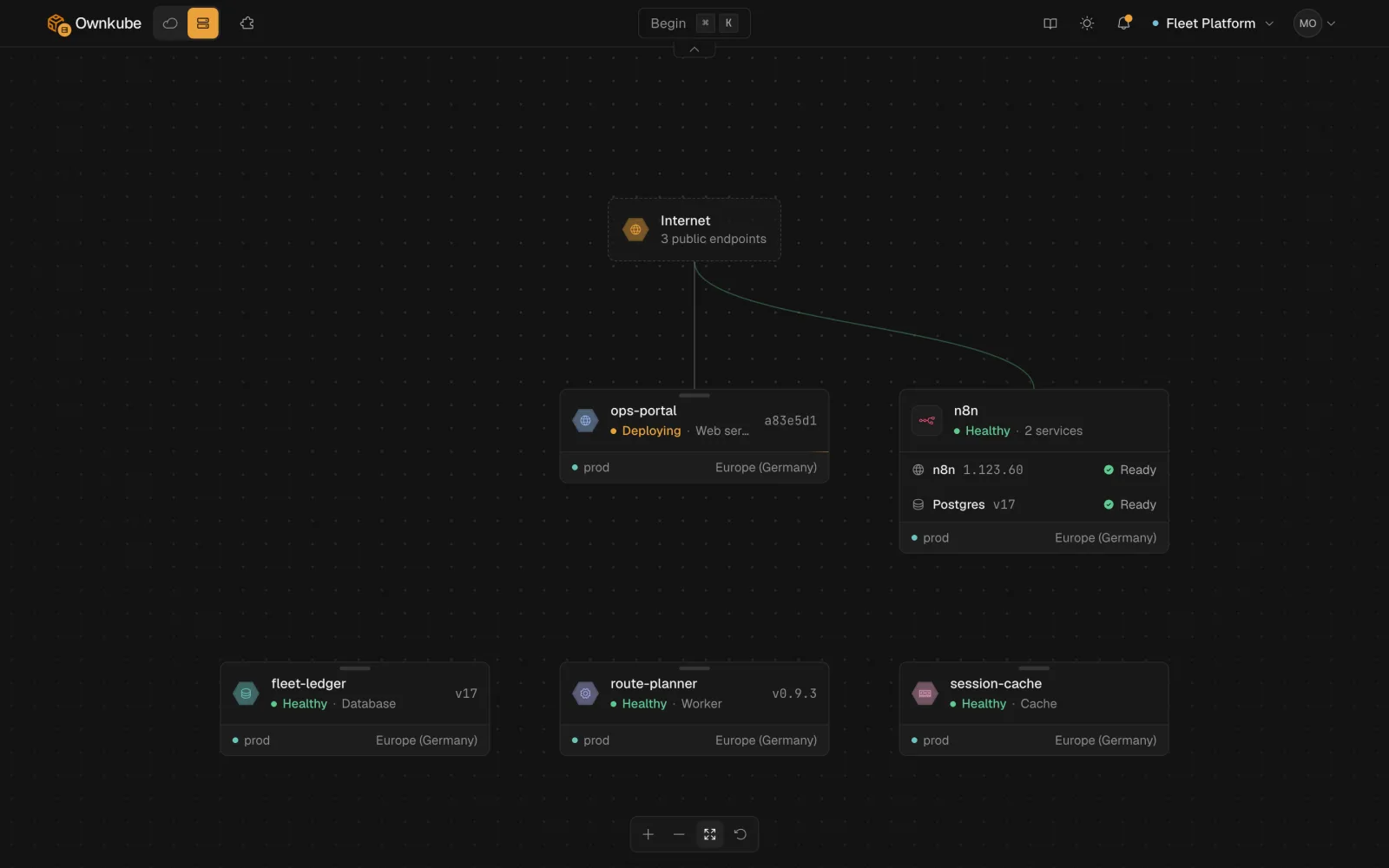
Start here
Section titled “Start here” Quickstart Sign in, connect GitHub or GitLab, deploy. Live URL in a few minutes.
The basics Deployments, environments, projects and the dashboard, in one read.
Create a deployment Every field in the create flow, explained.
Deploy a framework Next.js, Django, Rails, Go, Rust, Laravel, Spring Boot and more.
Deploy your stack
Section titled “Deploy your stack”Pick your framework for a short guide from repo to live URL. Each one ends with managed Postgres wired in. The full list is on Deploy a framework.
JavaScript Next.js, Node.js, Express, Remix, Nuxt, Astro, Bun.
Python Django, Flask, FastAPI.
Go and Rust Go and Rust services from a single static binary.
Ruby, PHP and Java Rails, Laravel, Spring Boot.
What you can run
Section titled “What you can run”| Resource type | What it is | Where to read |
|---|---|---|
| Web app | HTTP service with a public *.ownkube.app hostname and automatic TLS | Deployments |
| Worker | Long-running background process with no public endpoint | Deployments |
| Scheduled job | Runs a container to completion, once or on a cron schedule | Scheduled jobs |
| Database | Managed Postgres 17 or 18, private by default, with backups and point-in-time recovery | Postgres |
| Cache | Managed Valkey, Redis-compatible, in memory | Valkey cache |
| Marketplace app | n8n, Metabase, Directus and more, with their database wired in | Marketplace |
Work the way you like
Section titled “Work the way you like” Dashboard Create, configure and watch everything from app.ownkube.io.
CLI (okctl) Deploy, tail logs, open a shell and manage billing from the terminal.
MCP server Let Claude Code, Cursor, Codex or Copilot drive Ownkube for you.
Migrate to Ownkube Move from Railway, Render, Heroku or Vercel with no rewrite.
Browse by topic
Section titled “Browse by topic”- Build and deploy: deployments, builds and source, configuration reference, variables, environments, health checks, sleep and wake, shell and SSH, regions.
- Data: Postgres, Valkey cache, data console.
- Networking: public hostnames and TLS, private networking.
- Observability: status and health, logs, metrics, alerts.
- Billing: plans and pricing, understanding your bill, cost control.
- Organizations: organizations and roles, projects.
- Platform: security, FAQ, glossary.
Prefer your own cloud?
Section titled “Prefer your own cloud?”The same app runs in your own AWS account with the same dashboard, CLI and observability, if you ever want it there. See Run in your own AWS account.